


XOVYRA Aurora Desktop
XOVYRA Aurora Desktop
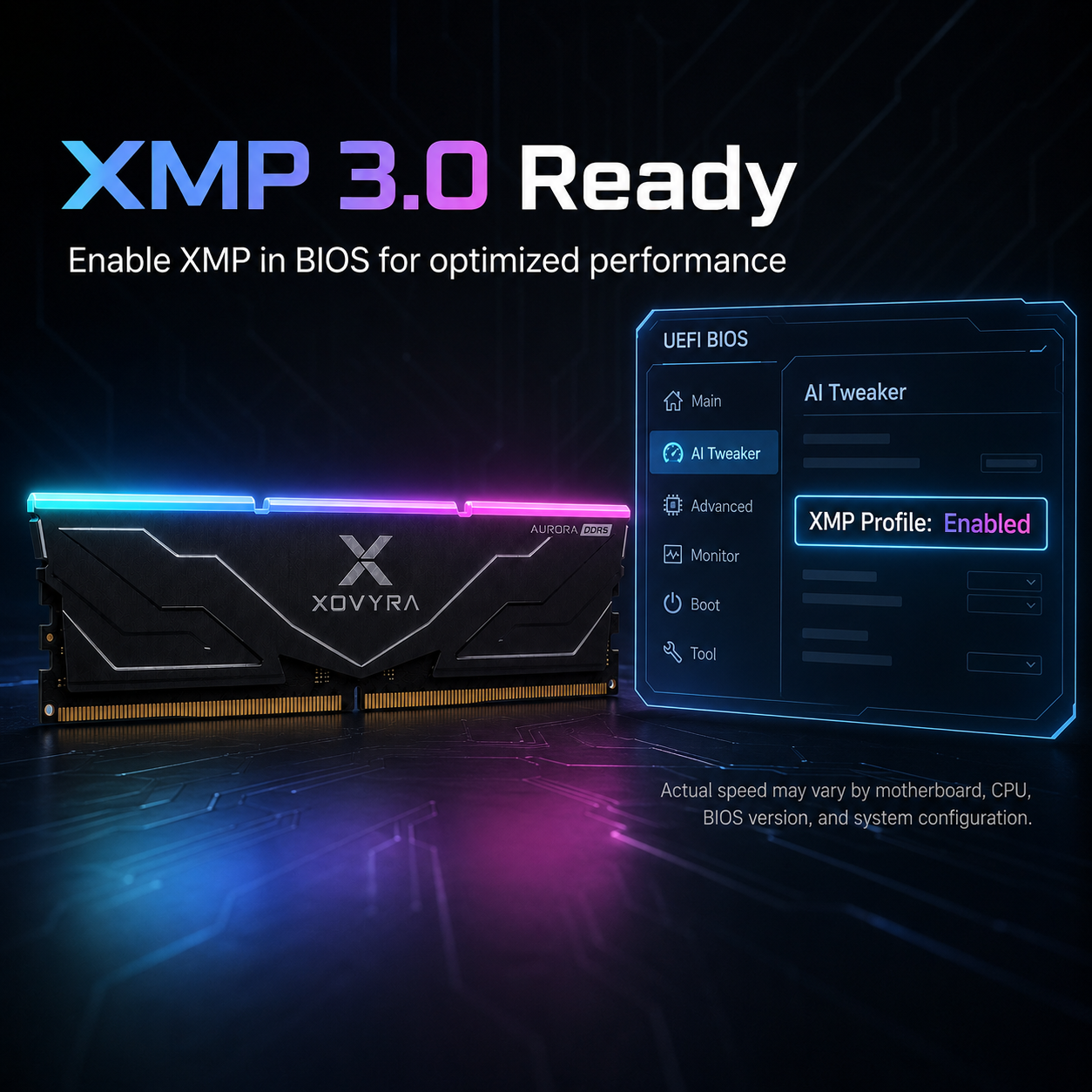
⚡High-Speed DDR5 RAM for Gaming, Work & Multitasking
Regular price
$59.99 USD
Regular price
$59.99 USD
Sale price
$79.99 USD
Unit price
per
BUNDLE & SAVE
Couldn't load pickup availability

XOVYRA Aurora Desktop
Regular price
$59.99 USD
Regular price
$59.99 USD
Sale price
$79.99 USD
Unit price
per
Pay confidently with our secure methods
 Card information is secure and protected
We follow PCI DSS and other security standards when handling card data
All payment data is encrypted
We never sell your card information
Card information is secure and protected
We follow PCI DSS and other security standards when handling card data
All payment data is encrypted
We never sell your card information










We also provide other payment methods for you.





Desktop DIMM Installation
Note: Never apply pressure or handle the memory module on or around the Integrated Circuit (IC)! Always handle memory with both hands positioned at the upper-most corners of the Printed Circuit Board (PCB).
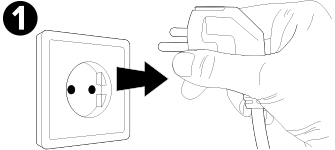
Disconnect the AC power cord from the back of your desktop PC.
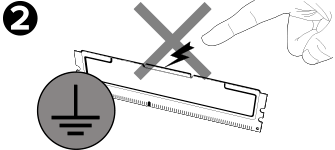
Prior to handling the DIMM memory module(s), always touch an unpainted and earthed metal object or use an earthed anti-static wrist strap to prevent electrostatic discharge (ESD).
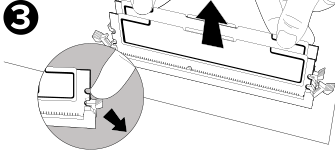
If necessary, remove pre-existing DIMM modules by pressing down on the lock/ejector tabs. The tabs are located at both ends of the memory socket.
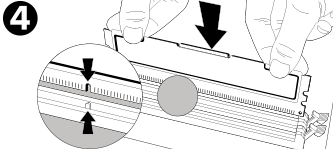
Align the memory module key(s) along with the memory socket keys(s) for proper installation.
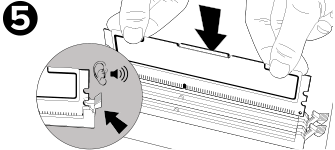
Press the memory into the socket until the tabs snap into place and secure the memory module.
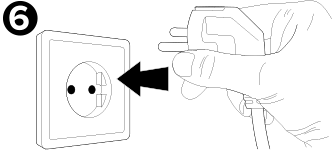
Replace the computer cover and plug in the AC power cord. Once you've secured everything, simply turn on your PC and enjoy the increased performance.